Around 3’o clock I started to develop my application as per the challenge. I completed my design and coding with in one and half hours. But when I compiled, I didn’t get any output. It simply showed the pop-up that your application has been stopped. I tried to debug more than for an hour, but I couldn’t.
Then I went for a break and again tried to debug it. After trying my best, I decided to see the solution to the challenge video. Everything I made was similar to that except, I shared an int instead of string from one activity to another. This was only the error I made and then changed and completed it.
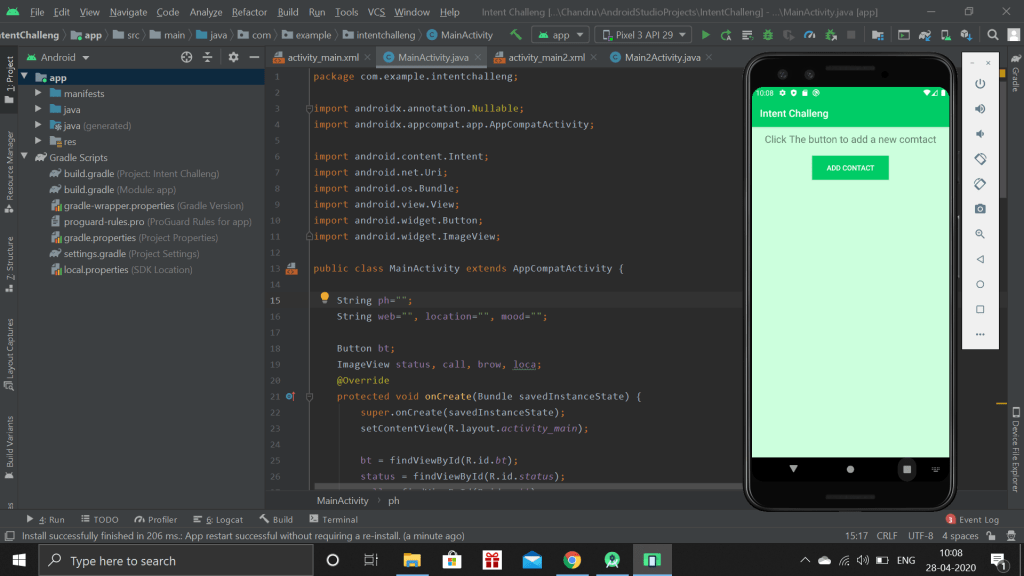
The above picture is the front page of my application. This may be seemed to looked simple, but the is hidden information. This app is used to get the various information from user and store it as a contact.
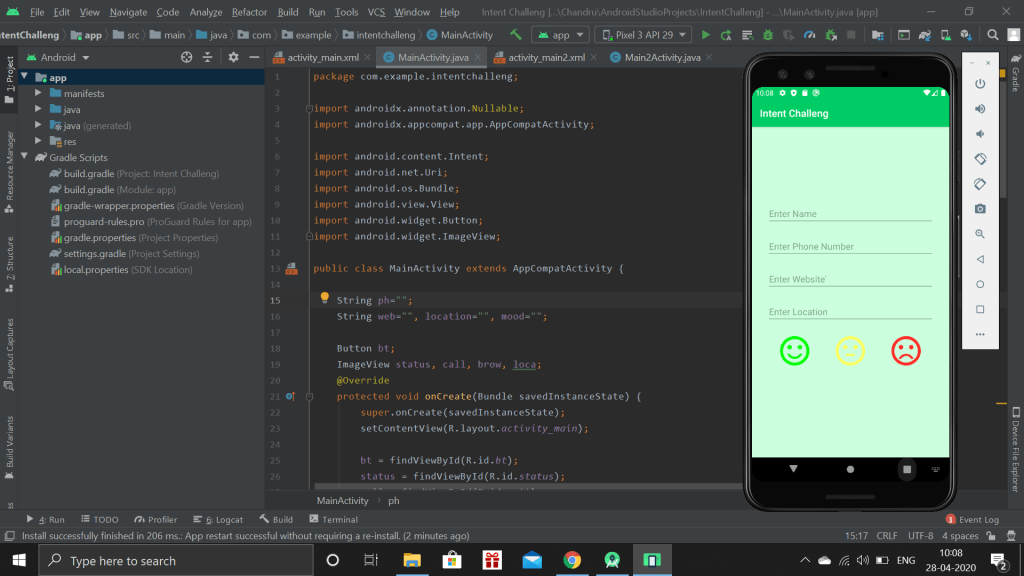
When we place click the add contact, this page will open which is to collect the information from the user. The three different emotional faces indicated how the relationship with the specific person is maintained. When we click any faces, it returns to the main page.
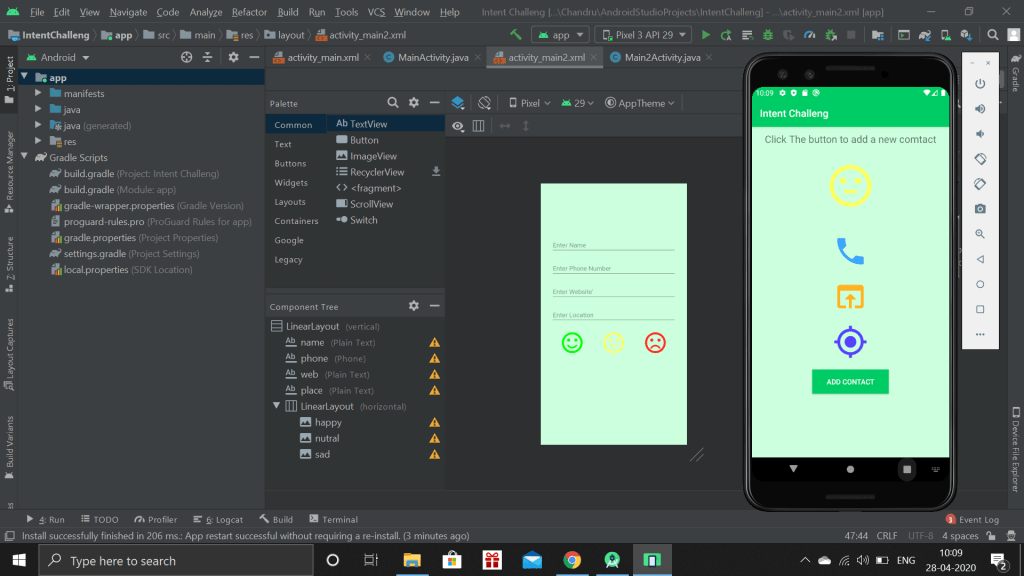
This page will show, the mood of the contact and shows three image buttons. When the user click the call button, the Call app will open with the number automatically typed, the user’s job is to simply click make call button instead of typing the number. Similarly, other two button will open webpage and Map, based on the website and location given by the user.

 Chandru's blog