Floating Hint
Before starting with the floating hint, there is few things in which we want to add in build.gradle file. Under dependencies block, add com.android.support.design:”version”.
Floating hint provide a good interface for collecting information from user. We can include in our activity main by using, “Textinputlayout” and adding a new edit text to it.
Auto-complete Text view
When a user types a name, this block will show the suggestions. This can be implemented by using auto-complete view instead of a simple edit text.
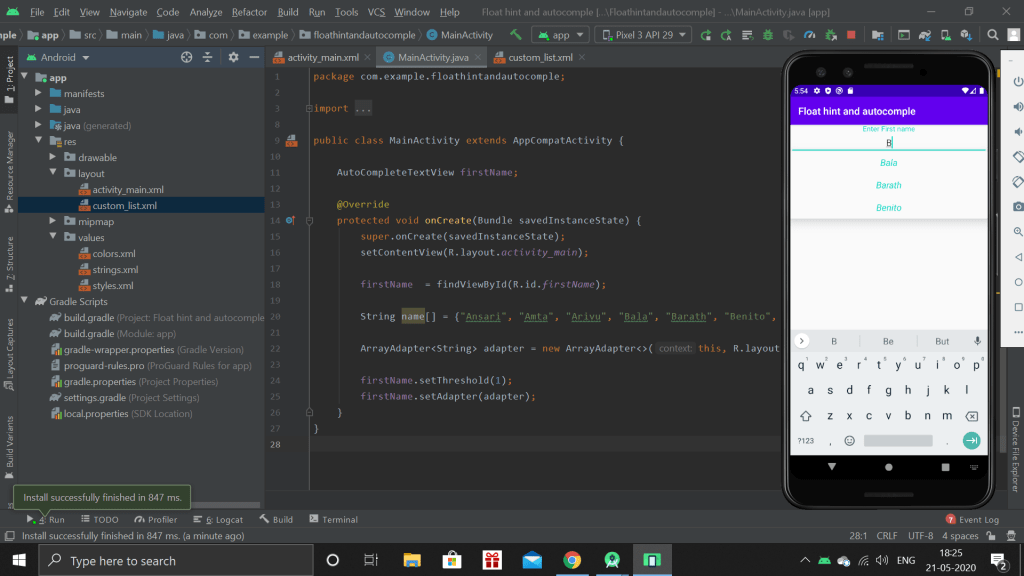
Then I finished the session with how to create a simple list view to show the list of suggestion

 Chandru's blog