Today, I just again worked on the database by creating an app, which includes all functions like edit and delete. Previous time when I created an app also consist of these functions but edit and delete methods are not given in the run time.
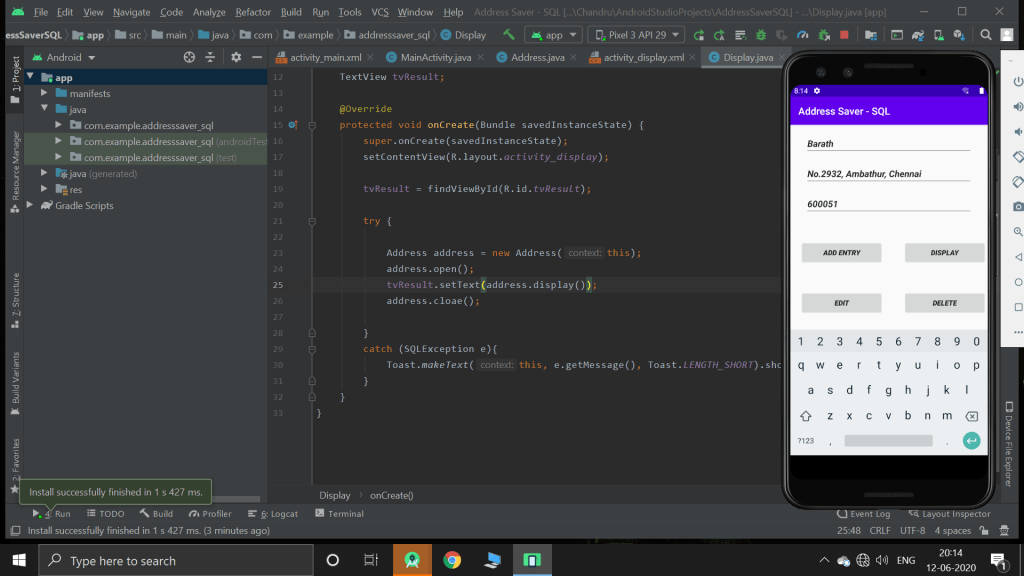
This app collects the address from the user and stores it in the database. When the user choose edit or delete option, I prompts to a new activity
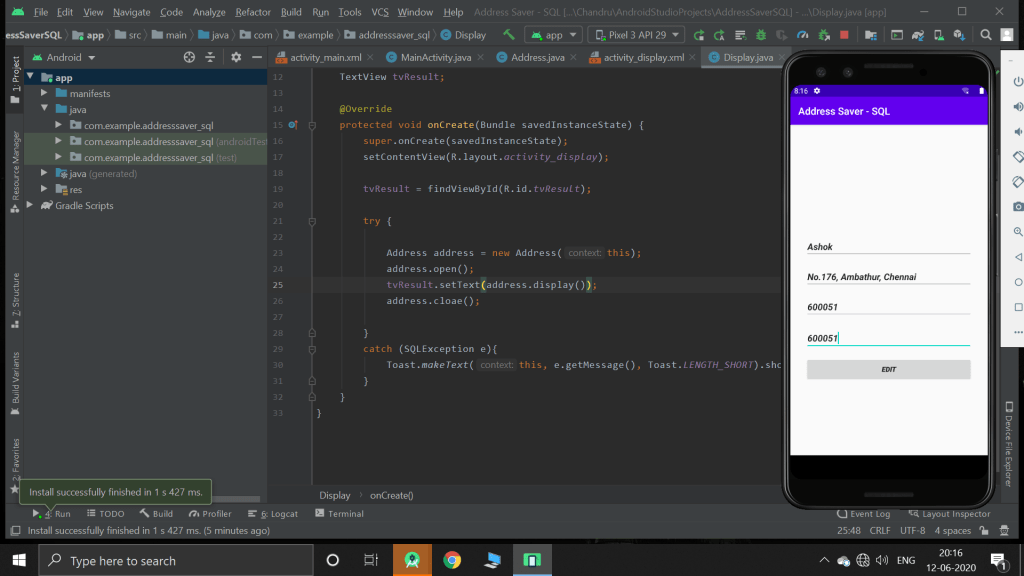
As the above picture, It will erase all the previous contents with pin 600051 and insert’s the given information. But this is wrong way of editing the database as all the records with the pin id 600051 will be updated with the new information. I must have used the primary key like phone number i which it is unique.
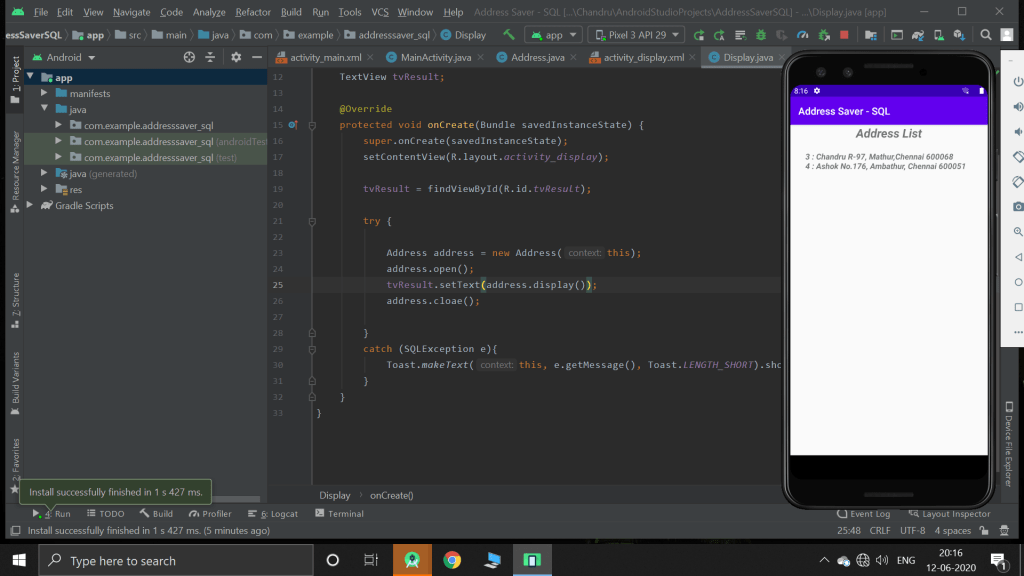
Thus the finally updated database will be displayed int his manner. However, with android studio, we can display the information in any format we want.

 Chandru's blog