As I was working on creating a contact application, today, I learnt how to get the name, email and phone information from the user and storing it in backendless database by creating a new table in it. Till now, I didn’t faced any difficulties with this topic.
Author: 1chandru1
Backendless – Day 3
Till now, as a part of backendless topic, i completed how to register a new user, how to login, how to reset password and finally how to make the user logged in the app.
From tomorrow, i will work with the working of the app. The app I am creating is used to store the contacts of the particular user in the cloud and retrive whenever he needed.
Lack of Concentration
Since the last two weeks, I was not able to concentrate on my studies part. I don’t know the specific reason but it may be because of online class or may be I had addicted to playing games.
Then I decided to quit playing games often and I made a time table to maintain the studies part from yesterday. The last two days, I was working on how to maintain the records on the database and how to store the info to the online database.
Backendless Service
For this time, I learning about the basics of the app development. From today, I started to learn how to host the app, by saving the data in the cloud. Backendless is the website, that provides the cloud space for free as well priced.
Today, I learnt how to create app space in the cloud and how to link our android application to the cloud and then finally how to save simple data in the cloud.
Introduction to widgets
Today, I created a simple widget by using a inbuilt method in android studio. Widgets has more methods in which can be used to increase the size, to list any new and so on. I just learnt to create a simple widget which displays the name of the user. As a part of my online classes, I came to know about the importance of theory of computation and then the basics of web development as web development is a seperate subject
Online Classes
The online classes for the 5th sem had been started since this week. For that, I was not able to schedule a time for the android development course, but today, I created my own time table. Then, I worked again on the MP3 player just to remember it.
MP3 Player
Today, I created a simple mp3 app that plays a online music. The music has to play even when the app is played in the background. For this service method is used. This app plays game of thrones music.
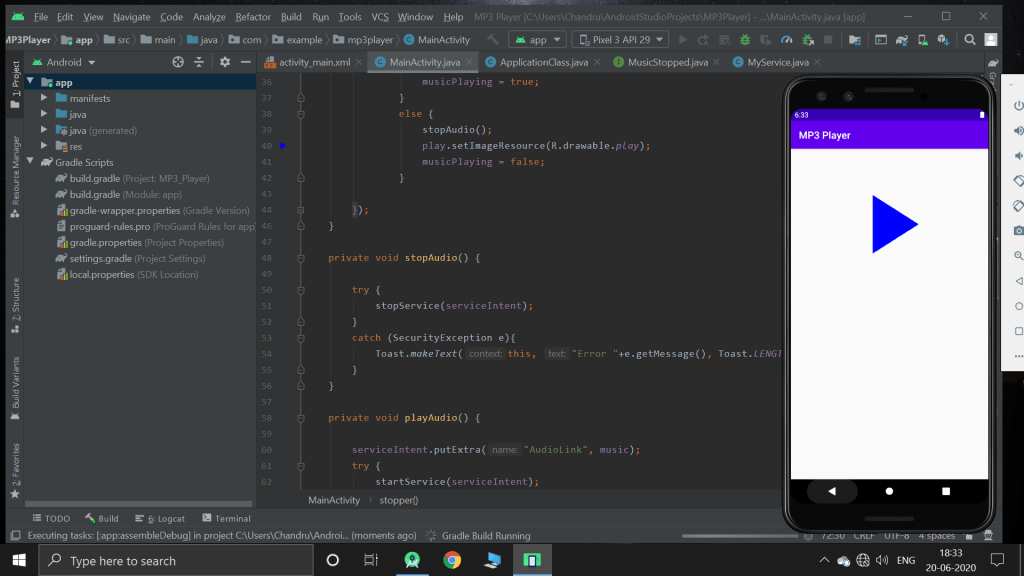
This app plays the songs from the online by the help of the public link. When I saw the topic mp3 player, I thought I may have several list of songs from that we can play any song we want, but this app plays only one music.
SMS Application
Today, I created a application that sends the message with the use of Smsmanager. Previous time when I worked, It didn’t show pop. So then I referred some more youtube tutorials. But It was the same. So when I checked my normal messaging app. The typed messages where there but it didn’t sent. Then I realized that there is some problem with my phone. But in emulator it worked perfectly.
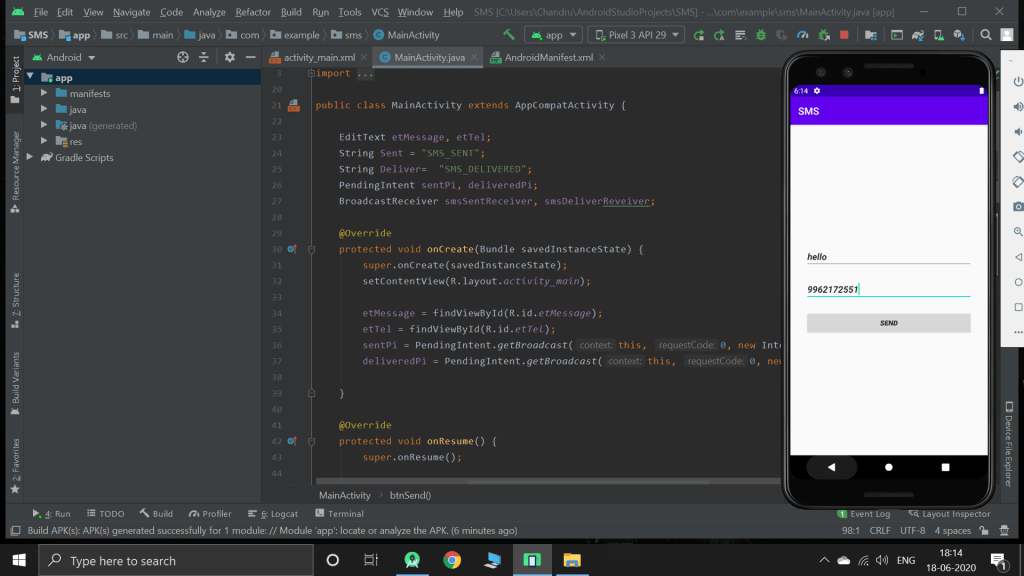
This app will show success message when the message is sent, but in my normal, it didn’t worked. But in emulator it did. Even though it didn’t show pop up, The messages which I tried to send are visible in my phone as shown below.
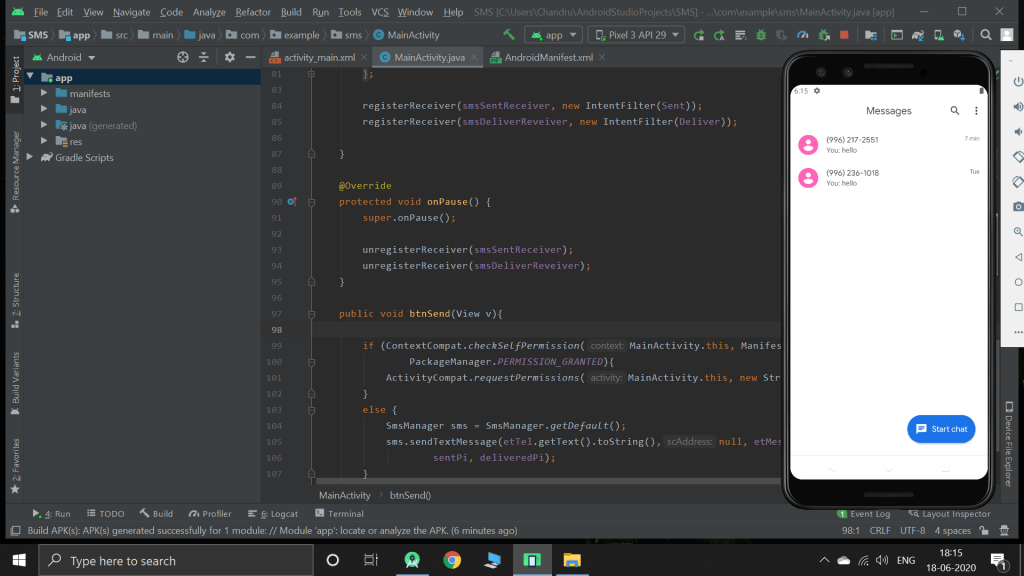
SMS Manager
Sms manager is used to send messages without the help of sms app or some other application with using implicit intent. Today, I was working with it. I completed the topic, but when I tried the app, It was not working. I done it by complete reference of tutorial, but it was not working. I tried almost 3 hours but it didn’t worked
SQLite Database – Final Day
Today, I just again worked on the database by creating an app, which includes all functions like edit and delete. Previous time when I created an app also consist of these functions but edit and delete methods are not given in the run time.
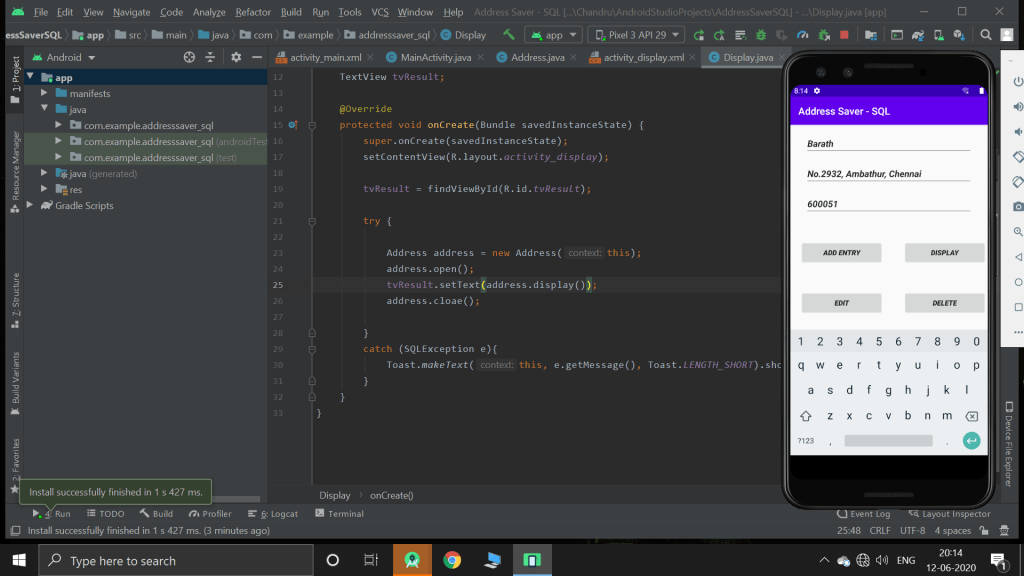
This app collects the address from the user and stores it in the database. When the user choose edit or delete option, I prompts to a new activity
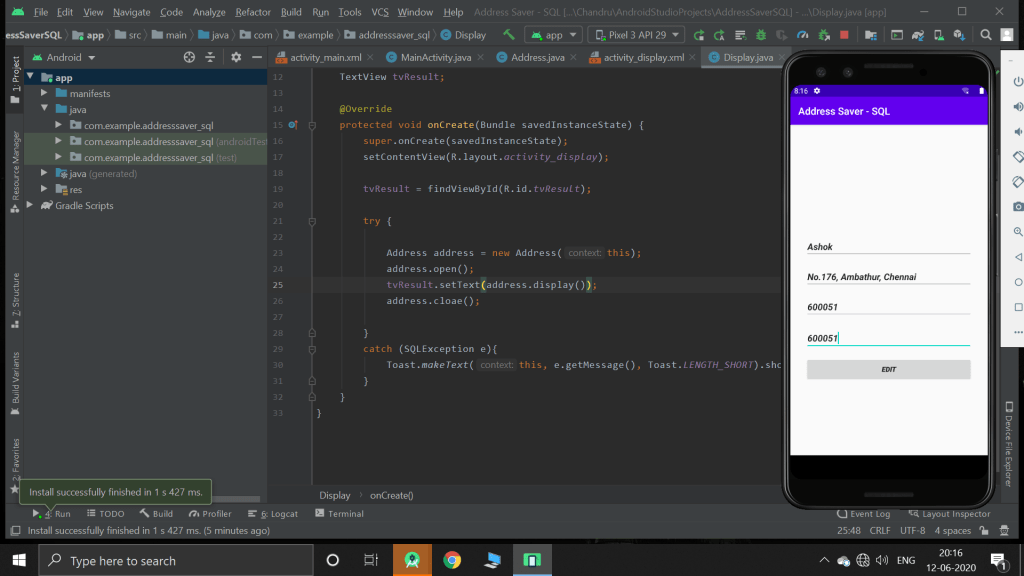
As the above picture, It will erase all the previous contents with pin 600051 and insert’s the given information. But this is wrong way of editing the database as all the records with the pin id 600051 will be updated with the new information. I must have used the primary key like phone number i which it is unique.
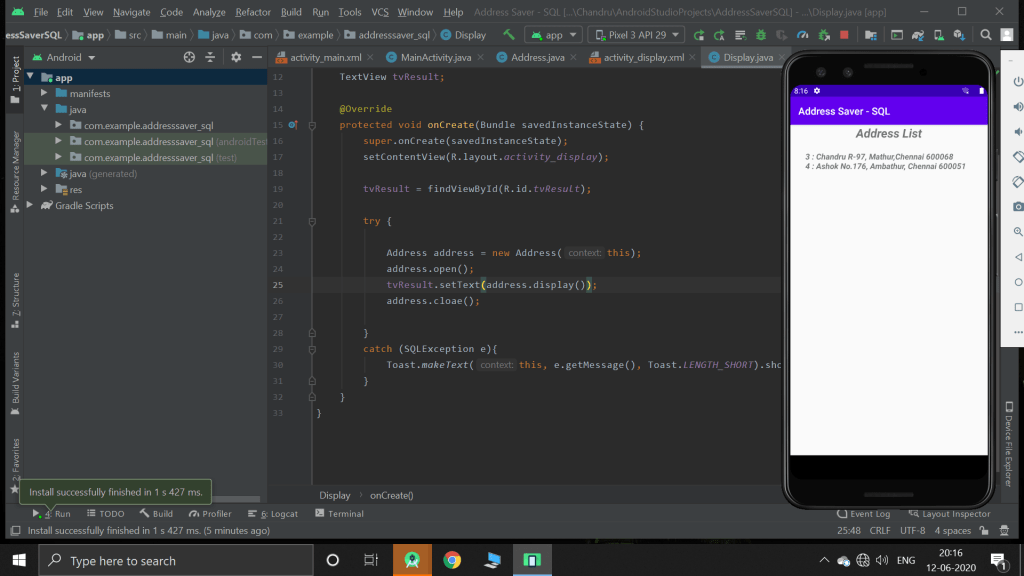
Thus the finally updated database will be displayed int his manner. However, with android studio, we can display the information in any format we want.
 Chandru's blog