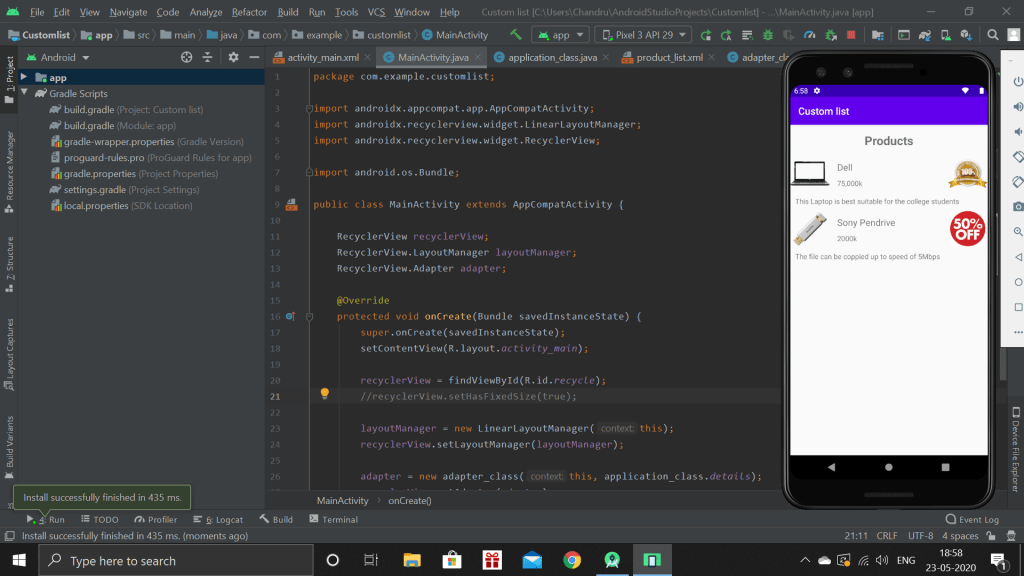
Today, I was working with how to create our own custom view. For this, I used Recycler view,as the recycler view is the extended version or improved version of the list view.
I created a simple app which displays the product information, price and the description.
Floating Hint
Before starting with the floating hint, there is few things in which we want to add in build.gradle file. Under dependencies block, add com.android.support.design:”version”.
Floating hint provide a good interface for collecting information from user. We can include in our activity main by using, “Textinputlayout” and adding a new edit text to it.
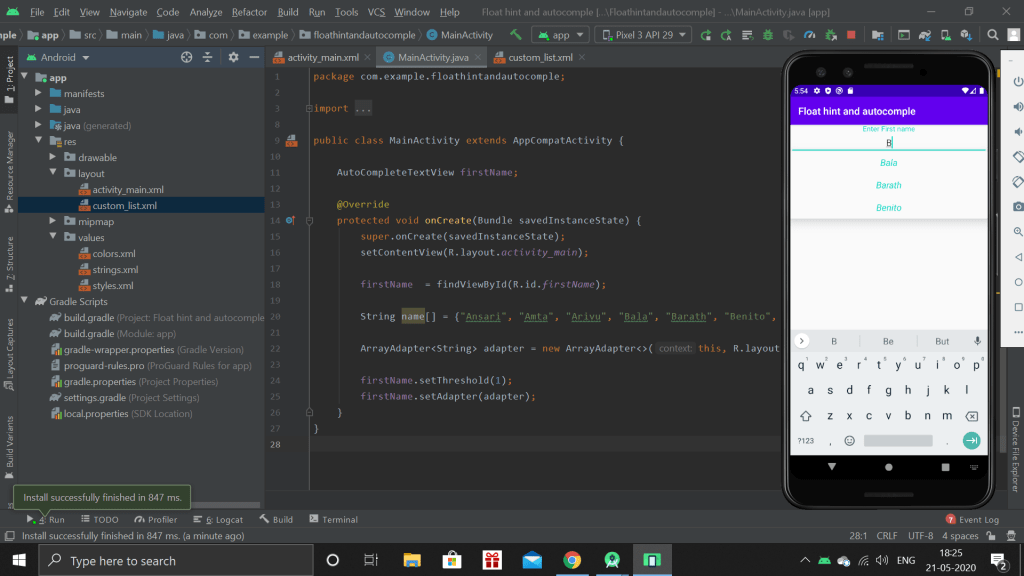
Auto-complete Text view
When a user types a name, this block will show the suggestions. This can be implemented by using auto-complete view instead of a simple edit text.
Then I finished the session with how to create a simple list view to show the list of suggestion
Today, I was referring all the previous projects done by me from the start. Then I get through the introduction of the floating point and autocomplete text view. It given a brief information about how to include text formatted edit text in gradle script.
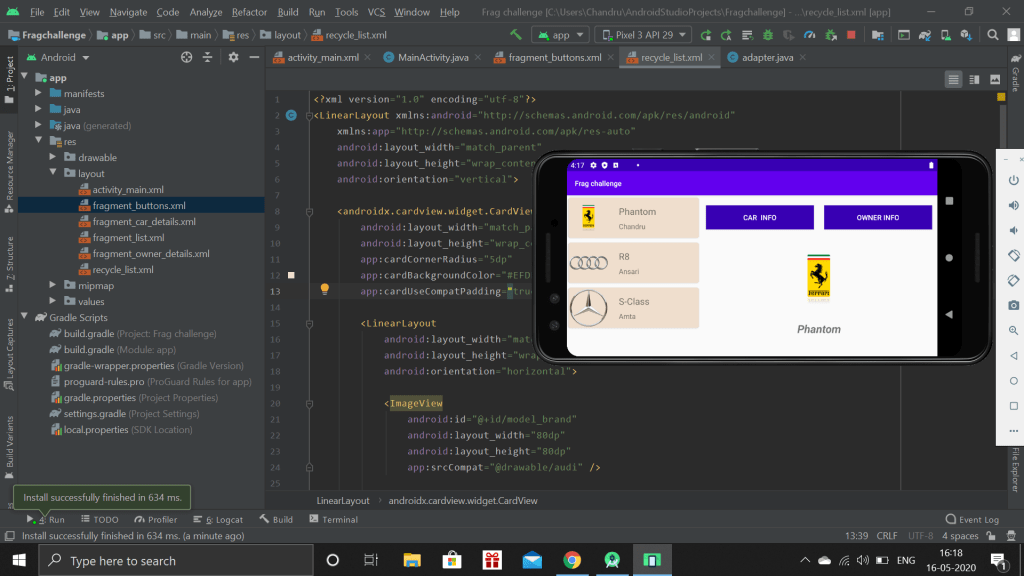
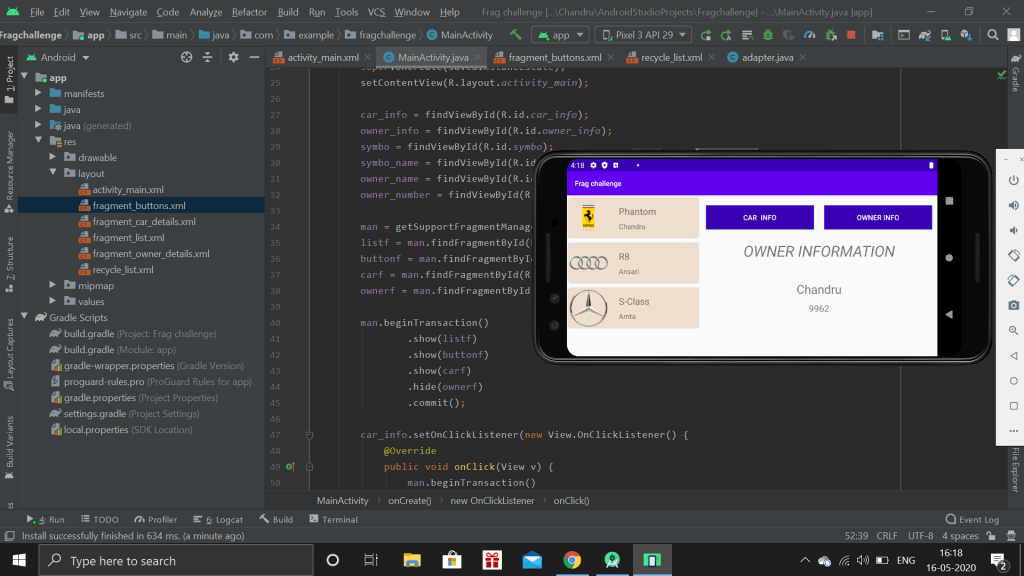
As the last part of the topic, I was given up with a challenge to create a app which has the list of the multiple car owners. It should contain Owner name and contact number and then Car model and car symbol.
When the user click on car info, car brand must be displayed with the model number below the logo.Owner Info gives the name and contact number of the particular car owner
Today, i just successfully completed the topic. This topic was literally easy so that I understood before the beginning itself. Today, I completed another application which uses all the previous concepts of app development.
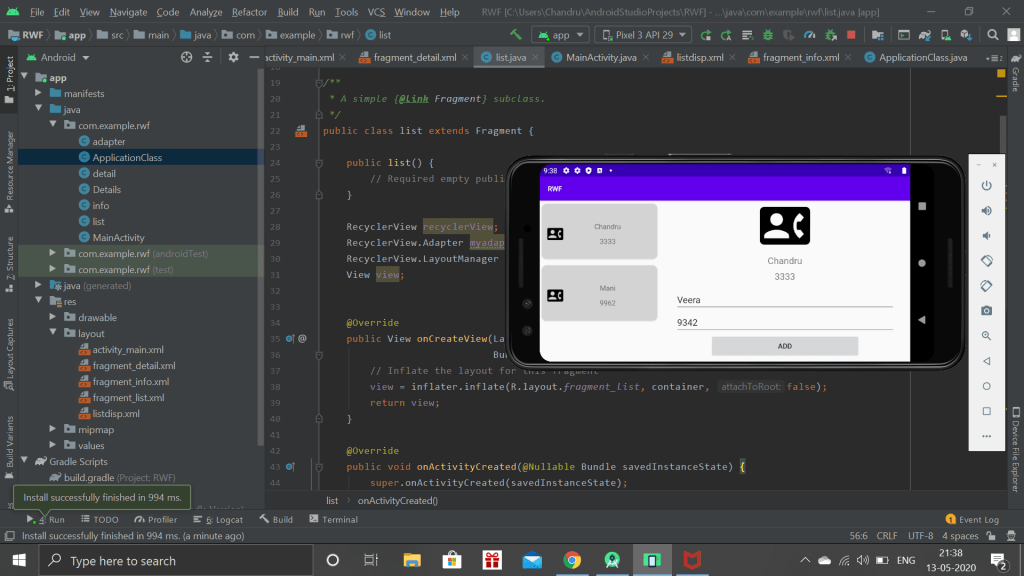
This app has three portions. The first will display all the list of the contacts. The next one which is the top right will show the information in a well manner when a user clicks a specific contact. The last one is bottom which is used to add a new user to the contact.
As I finished the Fragment topic, tomorrow I will be given a challenge based on the Fragment topic.
Today, I was working with the fragments which is almost same with the previous topic except few changes. I understood before seeing the whole video about it and I started working on it. At some point I got struck and I referred the video. I almost complete 80% of work. The remaining 20% work too I completed but the layout is not organizing in my specific order rather it shifts its position. I worked for that part alone long time but still I didn’t got the solution which made me broke.
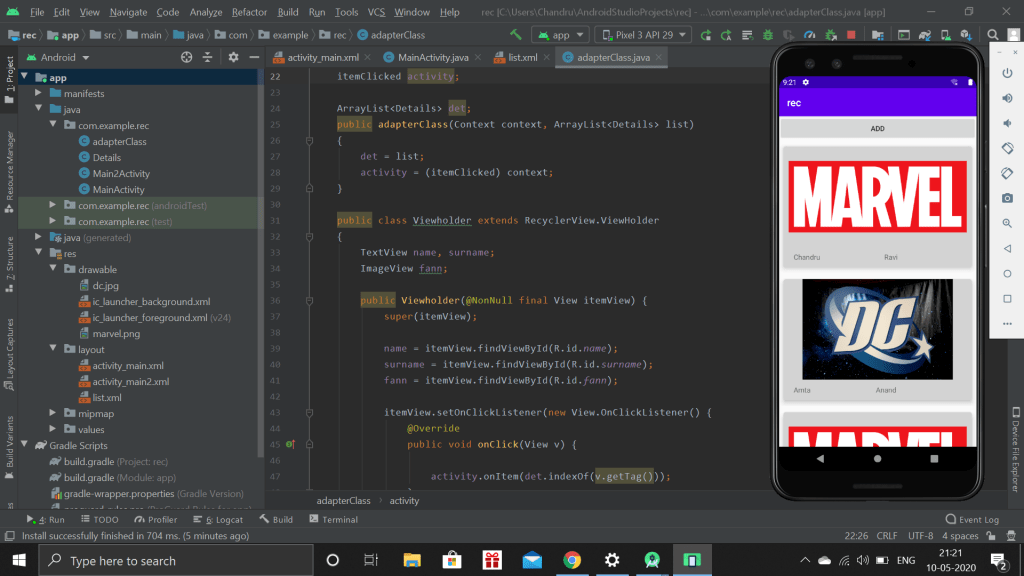
As the recycler view and card is very hard to remember, this is the third day since I started practicing. I created a app, which collects the specific information from the user and with the use of the recycler view, I organized in which order the given information has to be shown to the user.
This app collects name, surname and whether he or she is Marvel or DC fan. After entering all the information and submitted it, the information is shown in the above specific manner.
Then I also recaptured some of the topic which was learn’t previously, so that it stays forever in my brain.
The use of the card view was learnt today. It is used to customize the recycle view with different background color, style and curvature radius.
Then I learnt, how to identify which card is clicked and show a pop up to the user on which card it’s clicked. Then, how to add another entry to the list and showing the same activity and the types of layout in which we can use to show list to user.
Day by day, the android development is becoming hard to learn. At beginning I thought it will be so easy, But now a days, It takes more time to complete one topic.
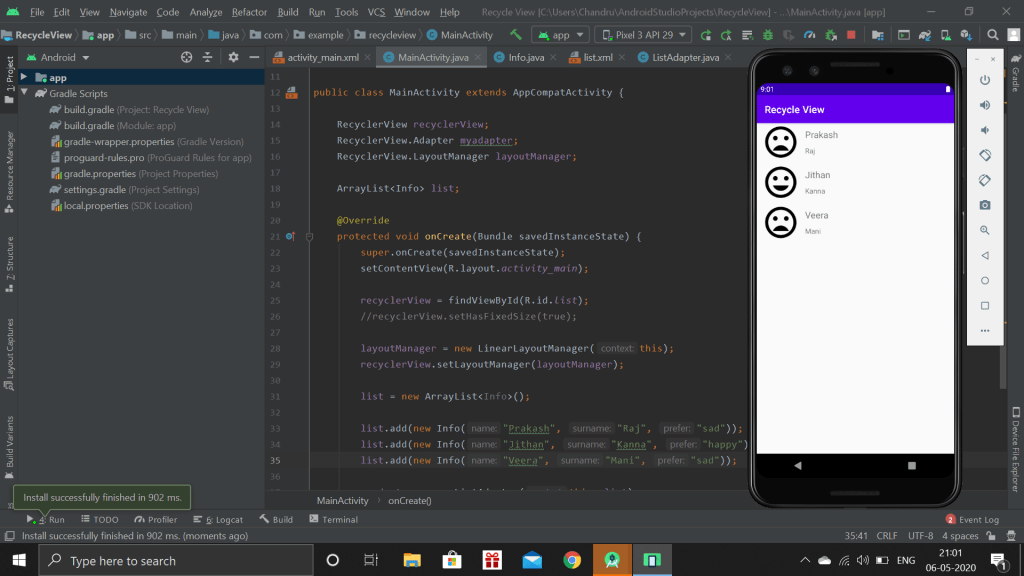
Today, I learnt how to implement the Recycler view. Recycler view is, we can customize our own list in any format. Unlike other list, they are predefined.
This is the Customized list in which each list have mood, name and surname in a one complete block.
Today I did nothing useful. I met with friends after a month and I spent time with them by following social distancing
 Chandru's blog