As usual, I started by practicing what I learnt yesterday, and I learn about the basics of the Recycle view. The recycle view is the improved version of the List view and I went through card view.
Author: 1chandru1
Fragment – Day 3
Today, I was learning with how we can add external array xml file and display in our app. Then I learn’t how to switch between landscape and portrait mode.
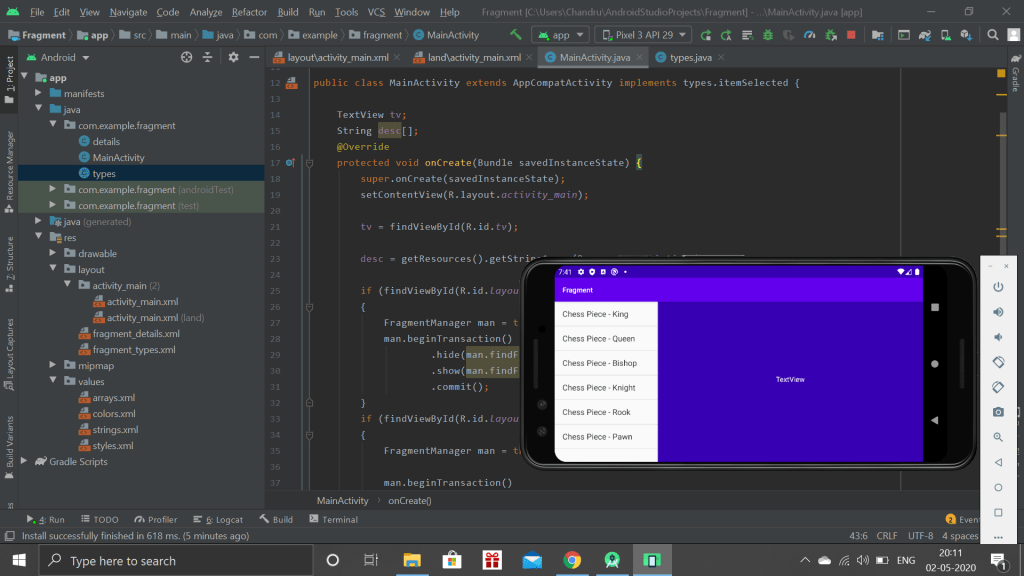
When on Landscape mode, it shows the list and the result in the same page. But if we not code for the portrait mode separately, it will also work but it not be in a organised manner.
For this purpose, we want to display the list in one page and result in the separate page.
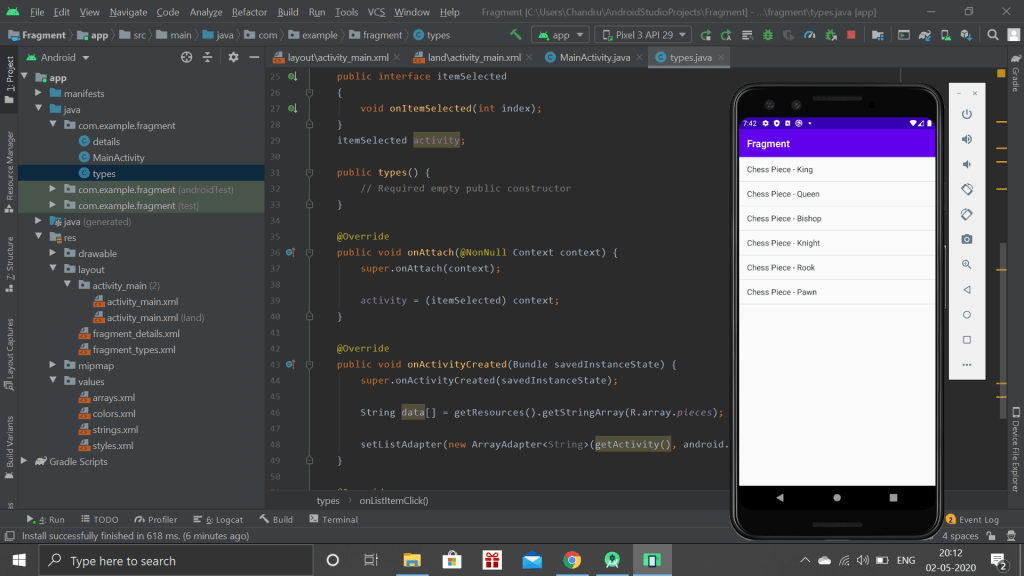
Thus, when we click on any list, The result will be shown in a separate page.
Fragment – Day 2
Today, I was practicing with the fragments which I learnt yesterday, I just a made a simple app which lists various bike models. If we click on a specific model, it will show the description about the bike model.
Fragments – Day 1
Today, I started working with the fragments. Fragments are used mostly in the landscape mode.
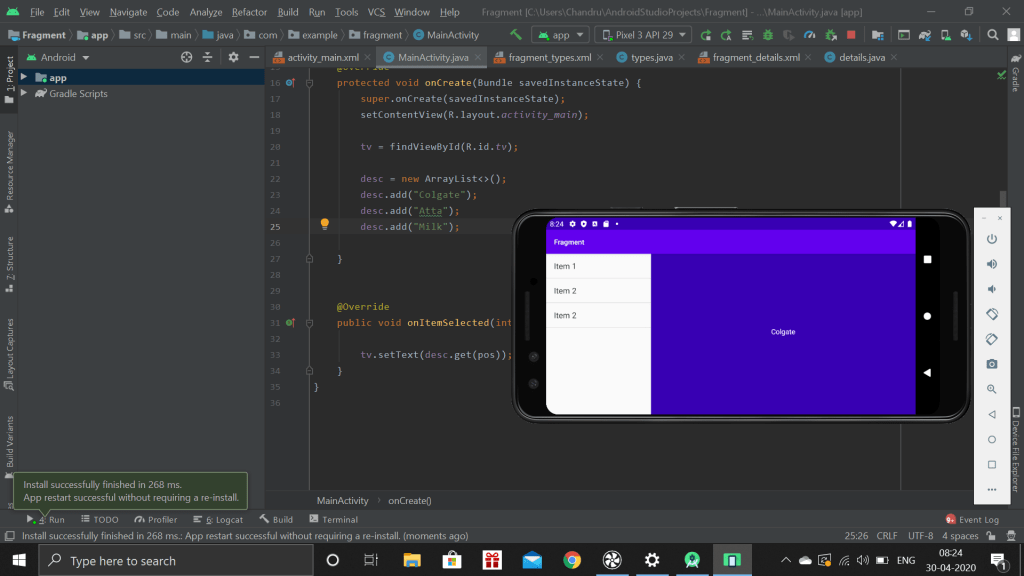
Fragments are the parts of the activity, which is used organize the contents, in a well manner if we use the mobile application in tab.
This app let’s the user to click on specific item and shows the item in which it is stored manually.
Fragments
The whole day, I felt lazy and mood was off. This because of the quarantine. I have been staying in the house since the college leave. So I felt extreme boredom. As a part for android learning, I learn’t a new concept which is fragments, not the whole part, just the introduction.
Intent – Final day
Around 3’o clock I started to develop my application as per the challenge. I completed my design and coding with in one and half hours. But when I compiled, I didn’t get any output. It simply showed the pop-up that your application has been stopped. I tried to debug more than for an hour, but I couldn’t.
Then I went for a break and again tried to debug it. After trying my best, I decided to see the solution to the challenge video. Everything I made was similar to that except, I shared an int instead of string from one activity to another. This was only the error I made and then changed and completed it.
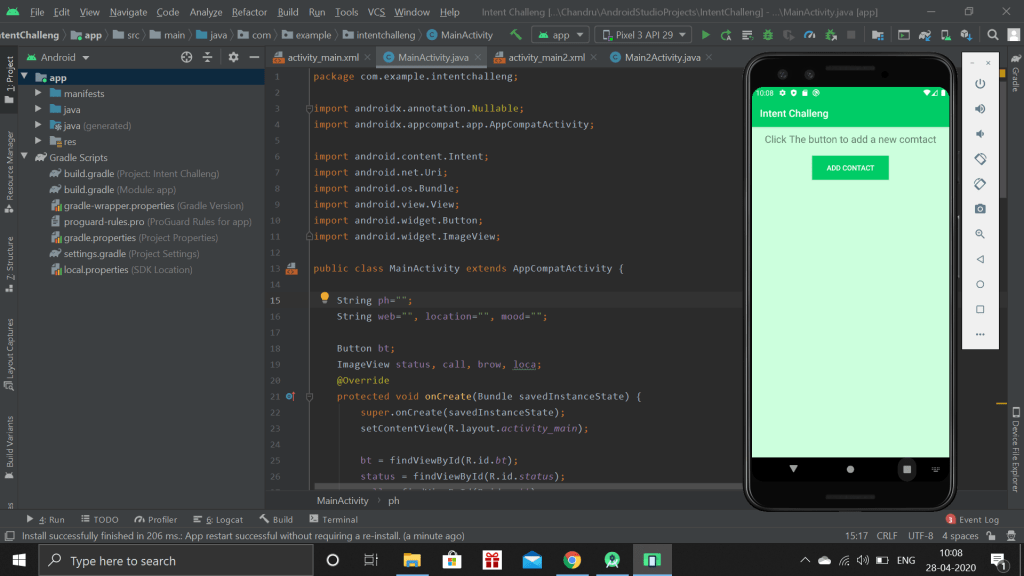
The above picture is the front page of my application. This may be seemed to looked simple, but the is hidden information. This app is used to get the various information from user and store it as a contact.
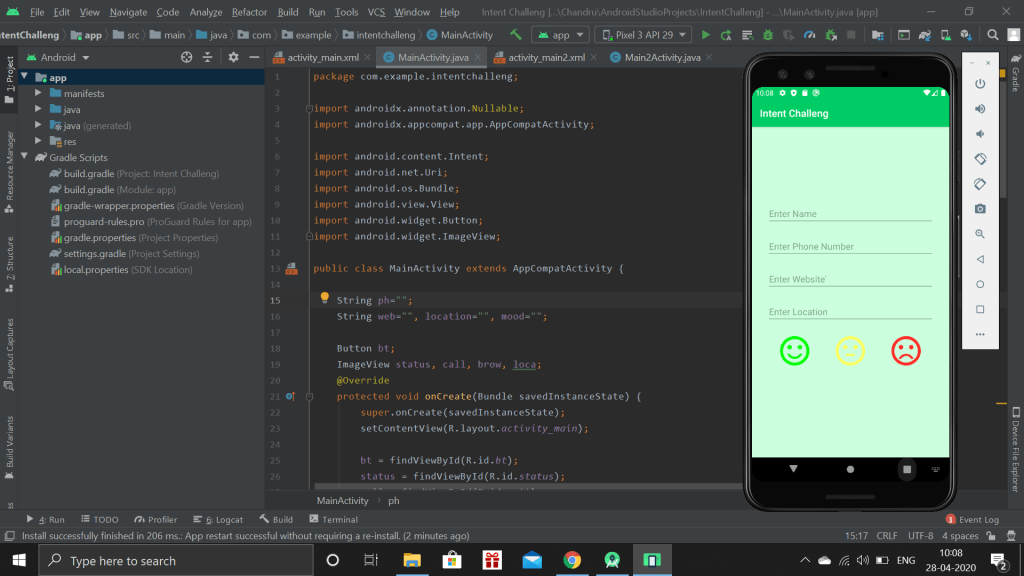
When we place click the add contact, this page will open which is to collect the information from the user. The three different emotional faces indicated how the relationship with the specific person is maintained. When we click any faces, it returns to the main page.
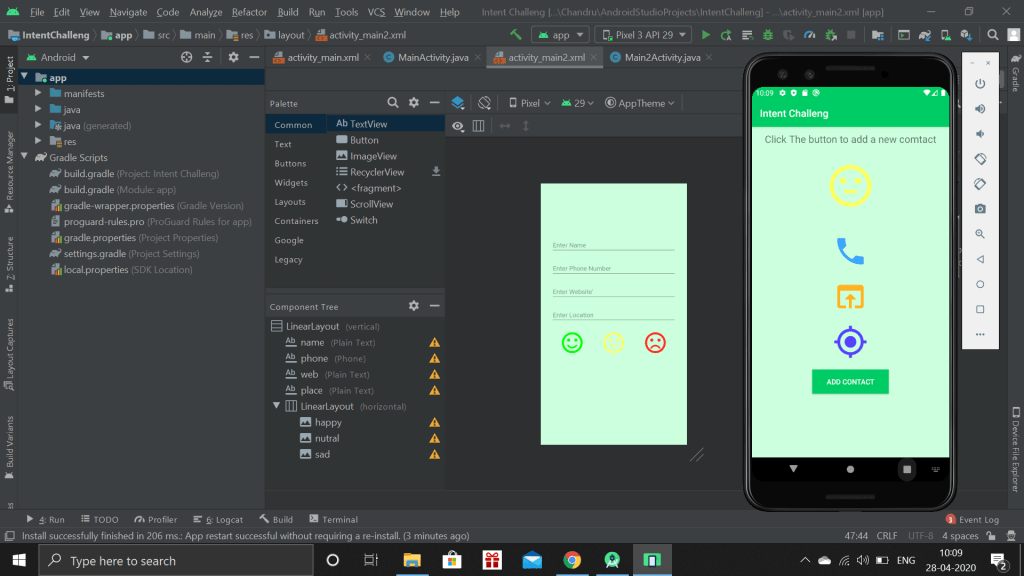
This page will show, the mood of the contact and shows three image buttons. When the user click the call button, the Call app will open with the number automatically typed, the user’s job is to simply click make call button instead of typing the number. Similarly, other two button will open webpage and Map, based on the website and location given by the user.
Intents – Day 3
Today, I am done with the Implicit intents by working out with an simple application. Now I’m clear with the concept of the Intents, and then I learn about the Vector Assets which is the sub topic.
As I’m pursuing the course in udemy, I have a challenge which is held by the instructor to develop a an application which has include both types of intents. Tomorrow my job is to develop that application.
And also I attended a Computer Architecture internal exam, which I did it easily.
DAA Exam
Today morning I got the information regarding the internal Exam for Design analysis and algorithm. Since this exam is based on understanding, it took lot of time to understand all the concepts. Some question, I got to understand from my friends. I was scared before attending the exam, but at that time, it was easy and I completed without any problem.
Intents – Day 2
This day, I was again practicing with the Explicit intent since I felt like forgetting the concept. After practicing with that concept and strong with it, I started a new concept which is Implicit Intent.
Implicit intent deals with moving from one application to another. Such as Dailing a call, Sharing the location and so on.
Intents
Yesterday I learnt, How to debug the application, and how to create a signed app, once we completed the development in Android Studio.
Today I learn about what is intent. The Intent is divided into two types, one is Implicit and other is explicit. This day I covered only about explicit intent, which is the important part in android studio.
The Explicit intent is nothing but, the app may contain several activity pages in which has its own purpose. The linking of pages within the pages app is simply known as Explicit intents.
 Chandru's blog